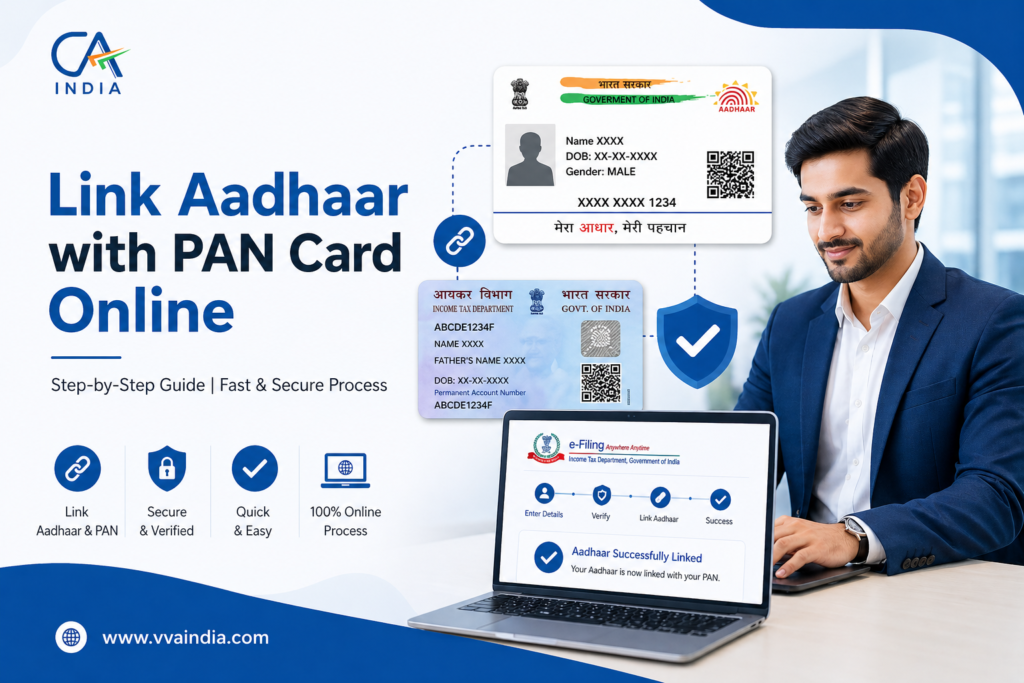
How to Link Aadhaar with PAN Card Online Step-By-Step Guide
As Indian citizens, we are all aware that the Aadhaar Card and PAN Card are the two most essential Indian documents. Every individual extensively uses them to make smooth financial transactions and avail themselves of various government services. In fact, the Aadhaar Card is the pivotal document that verifies an individual’s identity, whereas the PAN Card is used to determine financial transactions and ensure tax compliance.
Benefits of Linking Aadhaar Card with PAN Card
Linking both of these documents provides a wide range of benefits. Some of them include:-
- Identity Fraud Prevention: By using both of these documents, the government can easily and accurately verify an individual’s identity. This further reduces the risk of financial scams and identity fraud.
- Simplified Filing of Returns: Previously, only a PAN Card was the essential document required to submit all returns. However, Aadhaar Card details are also needed now. This makes it easier for taxpayers to file their online forms effortlessly.
- Avoids PAN Deactivation: By linking an Aadhaar Card with PAN Card, you can keep your PAN Card operative. Through this, you’ll be able to file your income tax return, conduct financial transactions and apply for various types of loans.
- Users can Avail Financial Services.
Many BFSI institutions require PAN Aadhaar linking to open bank accounts, perform large transactions and invest in mutual funds.
Owing to these benefits and to regulate/curb tax invasion, the Government of India (GoI) implemented the rule to link Aadhaar with PAN Cards. To support the masses, the IT department extended the deadline until 31st May 2024. Failure to link before the prescribed date can lead to the PAN Card being inoperative, a penalty of INR 1000 and a deduction of TDS at a higher value.
Easy Ways to Link PAN with Aadhaar Card After Deadline
Inoperative PAN Cards can be activated simply by paying the nominal amount of INR 1000 and requesting to link PAN and Aadhaar Cards together.
However, you can use two major steps to link your Aadhaar to your PAN Card even after the deadline. The methods are as follows.
- Payment of Penalty
- Submit the Aadhaar- PAN link Request
List of Essential Documents To Avail These Services
Here’s the list of important documents that you must keep handy during the procedure.
- Aadhaar Card
- PAN Card
- Mobile Number which is linked with your Aadhaar Card
Now, without further delay, let’s check out the first way to link PAN with Aadhaar Card.
Payment of Penalty
Here are a few steps that you must follow to pay the penalty.
- Step 1:Go to the Income Tax e-Filling web portal.
- Step 2:On the home page, select “e-pay tax option” under the “Quick Links”
- Step 3: Enter valid PAN and Aadhaar Card number. After entering details, click on the “Continue to Pay Through e-Pay Tax”
- Step 4: Under the “PAN/TAN”option, enter your PAN number and confirm it. Then, enter your mobile number and click on the “Continue” After this procedure, you’ll receive the OTP number for verification purposes.
- Step 5:After OTP verification, you’ll be redirected to the “e-Pay Tax”
- Step 6: Click on the “Proceed” button under the “Income Tax”
- Step 7: After clicking on the tab, choose the “Assessment Year as 2025-26”. Select the “Type of Payment (Minor Head)” as “Other Receipts (500)” and “Sub-Type of payment”. Once you select the suitable options, click on the “Continue”
- Step 8: The valid amount will be pre-entered against the “Other” Then, you just have to click on the “Continue”button and make the online payment.
Now, your challan or penalty will be reflected on the screen. To make the payment, you’ve to select the mode of payment. From here you’ll be redirected to the Bank’s payment gateway where you can easily make the online transaction.
Several prominent banks are already available on the platform. These include Axis Bank, Bank of Maharashtra, Bank of India, Bank of Baroda, Canara Bank, Central Bank of India, Federal Bank, HDFC Bank, IDBI Bank, ICICI Bank, and RBL Bank.
After making the online payment, proceed to link Aadhaar with PAN card immediately and you’re all set.
Ways to Submit Aadhaar PAN Link Requests Post Payment of Fee
The request for an Aadhaar PAN Card link can be made easily in both post and pre-login mode. To offer you more clarity, we’ve shown detailed steps below.
Method 1: Submission of Aadhaar PAN Link Request Post-Login
Step 1: Visit the e-filling portal, do login, then visit on Dashboard, click on Profile under the Link Aadhaar to PAN option, and select Link Aadhaar.
Step 2: Enter a valid Aadhaar Card number and select “Validate”
Method 2: Submission of Aadhaar PAN Link Request Pre-Login
Step 1: Visit the home page portal, and select “Link Aadhaar” under “Quick Links”
Step 2: Add PAN/Aadhaar Card number and click on the “Validate” option.
Step 3: Mention the required details and click on “Link Aadhaar”
Step 4: Enter a 6-digit OTP number sent over the mobile number and then click on “Validate”
Step 5: Once you complete the procedure, your Aadhaar will be submitted successfully. Now you can check the Aadhaar-PAN link status.
What to do if the payment details are not verified on the e-filing platform?
Once you validate your PAN and Aadhaar, you’ll be able to see a pop-up message highlighting “Payment Details Not Found”. To proceed, you must click on the “Continue to Pay Through e-Pay Tax” option. After this, you’ve to make a payment of the fee and submit your Aadhaar PAN link request.
After you make the online payment, you just have to wait for 4-5 days to process the payment. Once the processing is done, you can now request to link both PAN and Aadhaar cards. In the majority of the cases, the payment option will reflect in 30 min to 1 hour.
What to do if PAN is linked with some other Aadhaar?
In such scenarios, you should immediately contact the jurisdictional assessing officer and submit the request to delink your Aadhaar with an incorrect PAN Card.
Ways to Check Whether Aadhaar is linked to your PAN Card or Not?
If you want to check to confirm if your PAN and Aadhaar Cards are linked, then here are a few steps you must follow.
Step 1: Go to the Income Tax e-filing platform, Select the “Link Aadhaar Status” option under quick links.
Step 2: Enter your valid Aadhaar and PAN Card number and click on the “View Link Aadhaar Status” option.
Now, you can check if your Aadhaar is linked to your PAN Card. If they were already linked, then you can proceed with filling out your income tax.
Conclusion
Well, these are some of the methods that you can use to link an Aadhaar with PAN Card. If you’ve any further queries or concerns, then you’re advised to check out regular updates, notifications and IT rules and regulations for more clarification. You can even reach out to the following customer support numbers mentioned below.
- NSDL (Protean): For queries regarding your PAN Card, you must contact the NSDL helpline number– 020-27218080 (between 7:00 am to 11:00 pm Monday to Sunday).
- Income Tax Department:In case you have a query related to penalty or payment, then you can reach out to their helpdesk number- 800 419 0025, 1800 103 0025, 91-80-46122000, or 91-80-61464700 (between 8:00 am to 8:00 pm Monday to Friday)
- UIDAI:For Aadhaar-related queries call at helpline number 1947
We hope that this article was helpful and addressed all your queries and concerns regarding how to link Aadhaar with PAN Cards.